
TextGrab Pro
Coming SoonTextGrab Pro is a Chrome extension that extracts text from any image — directly inside a browser sidebar. No cloud, no account, no data ever leaves your device.
Powered by Tesseract.js, all OCR runs locally in your browser. Just open the sidebar, drop in an image, and get your text in seconds. Whether it’s a screenshot, a scanned document, or a photo, TextGrab Pro handles it.
Key Features
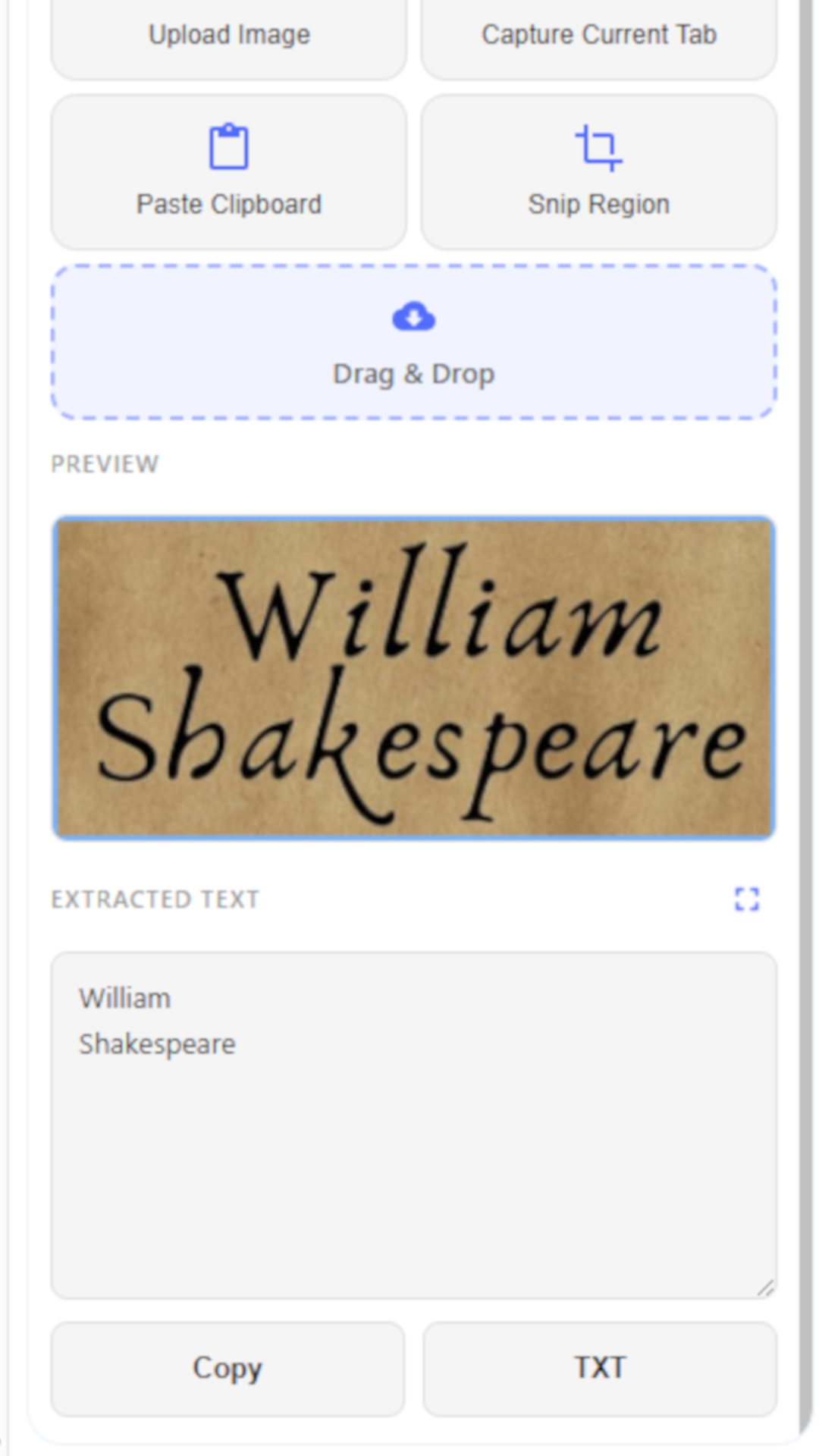
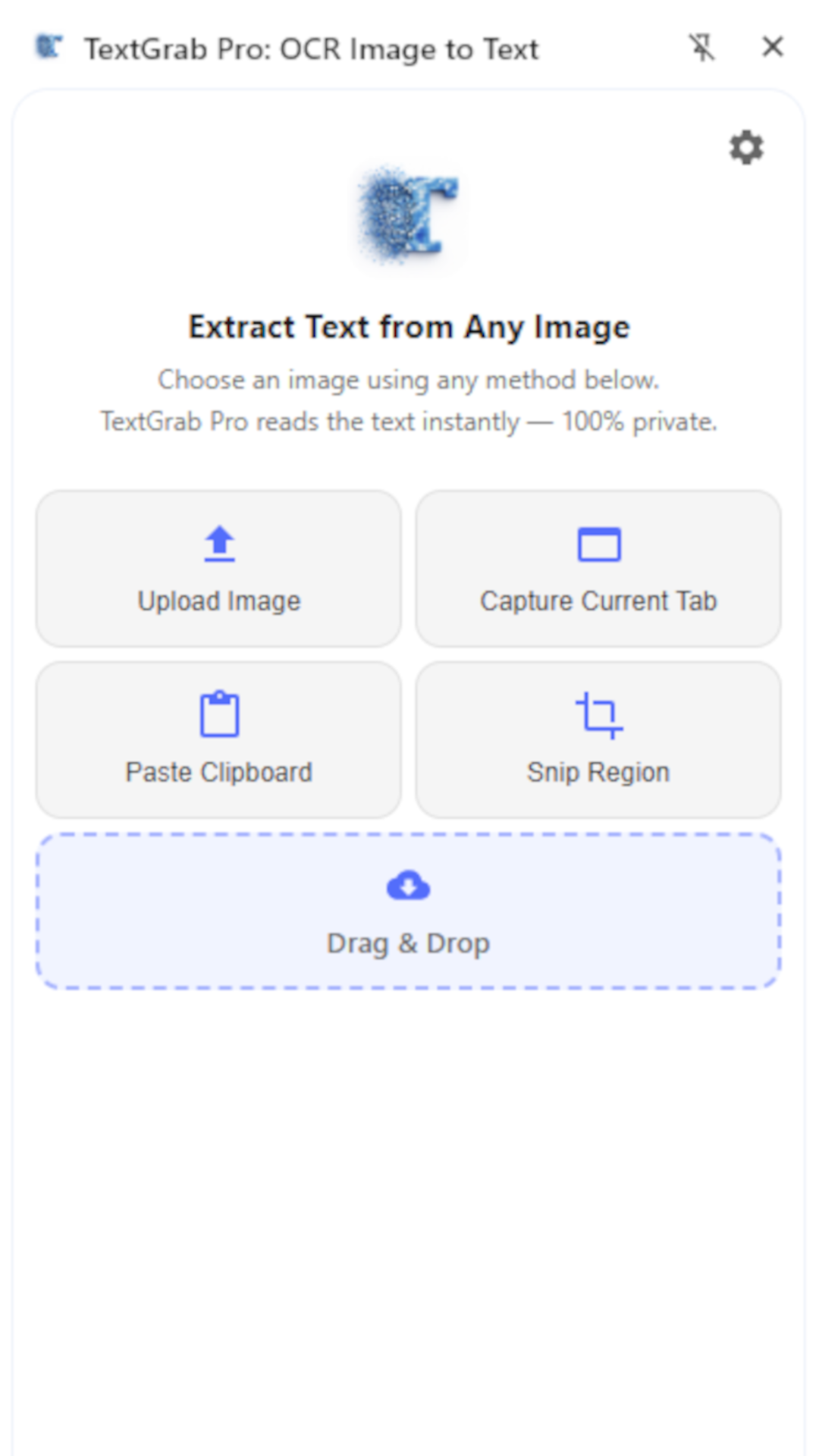
- Upload an image file, paste from clipboard, or drag & drop
- Screenshot capture or snip any region of the page
- Copy extracted text to clipboard or download as TXT
- 100% local processing — nothing sent to external servers
- No account or sign-in required
From students and researchers to writers, developers, and busy professionals, TextGrab Pro makes pulling text out of images fast, private, and effortless.
Highlights
5 Ways to Input
Upload, paste from clipboard, drag & drop, capture a screenshot, or snip any region of the page — whatever is faster for you.
100% Private with Local OCR
Powered by Tesseract.js, all processing runs in your browser. No cloud, no API key, no data ever leaves your device.
Copy or Download
Copy extracted text to your clipboard or download it as a TXT file — ready to use anywhere.
Screenshots
Privacy
TextGrab Pro processes all images on your device. No text or images are ever uploaded or shared.